“How do you get IPTV?” is one of the most common questions we hear at huluxtv. The short answer: a device you already own, a decent internet connection and about ten minutes. This guide breaks it down so you know exactly what to expect, from the first message to your first live channel.
What You Are Actually Getting
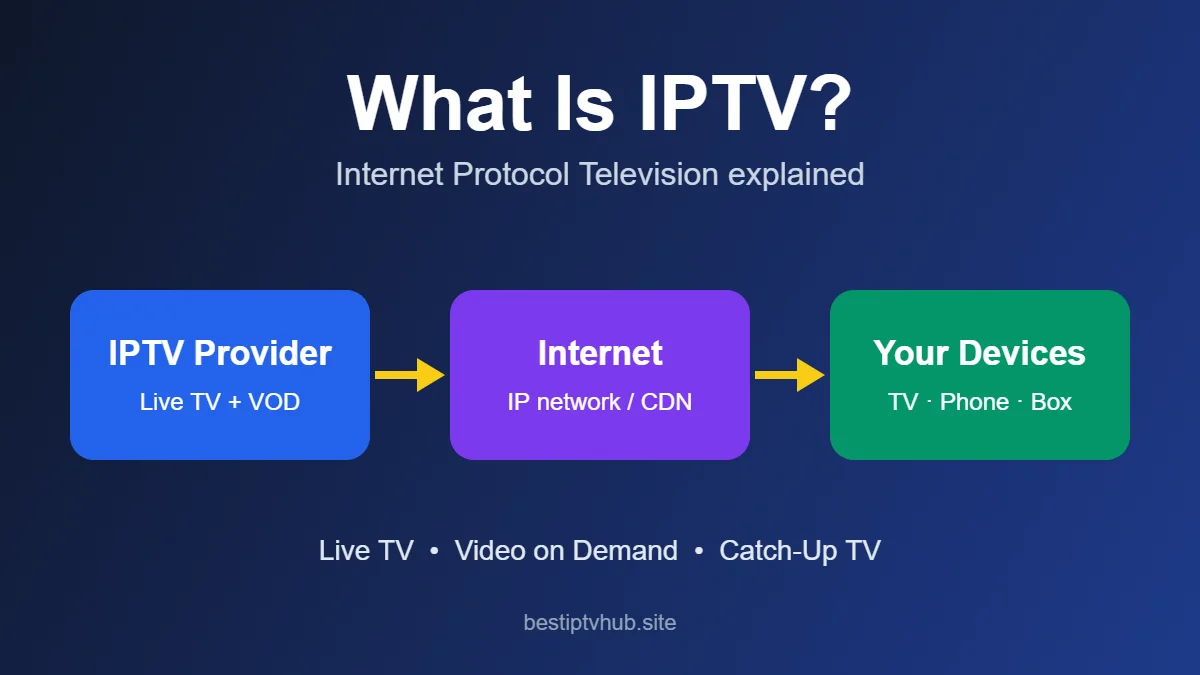
IPTV sends live channels, films and series through the internet instead of a dish or cable. You install a player app, enter the login from your provider, and your channel list and on-demand library appear, on as many compatible screens as your plan allows.
Your Starter Checklist
- A device: Smart TV, Firestick, Android box, phone, tablet, computer or MAG box.
- Internet: roughly 10 Mbps for HD, 25 Mbps or more for 4K.
- A player app: IPTV Smarters, TiviMate or a Smart TV player.
- A provider: one that offers a trial and responsive support, such as huluxtv.
The Process, Start to Finish
- Message the provider. With huluxtv, a WhatsApp message is all it takes.
- Take the free trial. Test channels and picture quality on your own setup for 24 hours.
- Pick your plan. 3, 6 or 12 months; every plan includes the full service.
- Pay. Card, PayPal or cryptocurrency.
- Receive your login. Usually within minutes, with a setup guide for your device.
- Install the player app and enter your details.
- Start watching and add favourites for quick access.
Device-by-Device Notes
| Device | Key step |
|---|---|
| Firestick | Enable apps from unknown sources, install via Downloader |
| Samsung / LG TV | Install a player from the TV store, send the MAC address |
| Android box / phone | Install from Play Store or APK, then log in |
| iPhone / iPad / Apple TV | Install from the App Store, then log in |
| MAG box | Send the MAC address, enter the portal link you receive |
Signs of a Provider Worth Choosing
- They let you try before you buy
- Streams stay steady during major live sport
- Real people answer quickly
- Plans and renewals are simple and transparent
Is IPTV Legal?
The technology itself is legal and used by broadcasters worldwide. What matters is that a provider holds the rights to what it streams, so choose your service with care.
Fixing the Usual Hiccups
- Buffering: switch to a cable, restart your router and close other streams.
- Login refused: check spelling and that your plan is active.
- Empty TV guide: refresh the EPG in your app.
Frequently Asked Questions
How fast can I get IPTV with huluxtv?
Most customers are watching within minutes of ordering.
Do I need new hardware?
Usually not. A Smart TV, Firestick or phone you already own is enough.
Ready When You Are
Getting IPTV is simpler than most people expect. Send huluxtv a message for your free trial, compare the huluxtv plans and find more help on the huluxtv blog.