A premium screen deserves a premium picture. If you have just started with huluxtv, these simple adjustments to your TV, network and app will make live sport sharper, films more cinematic and buffering a thing of the past.
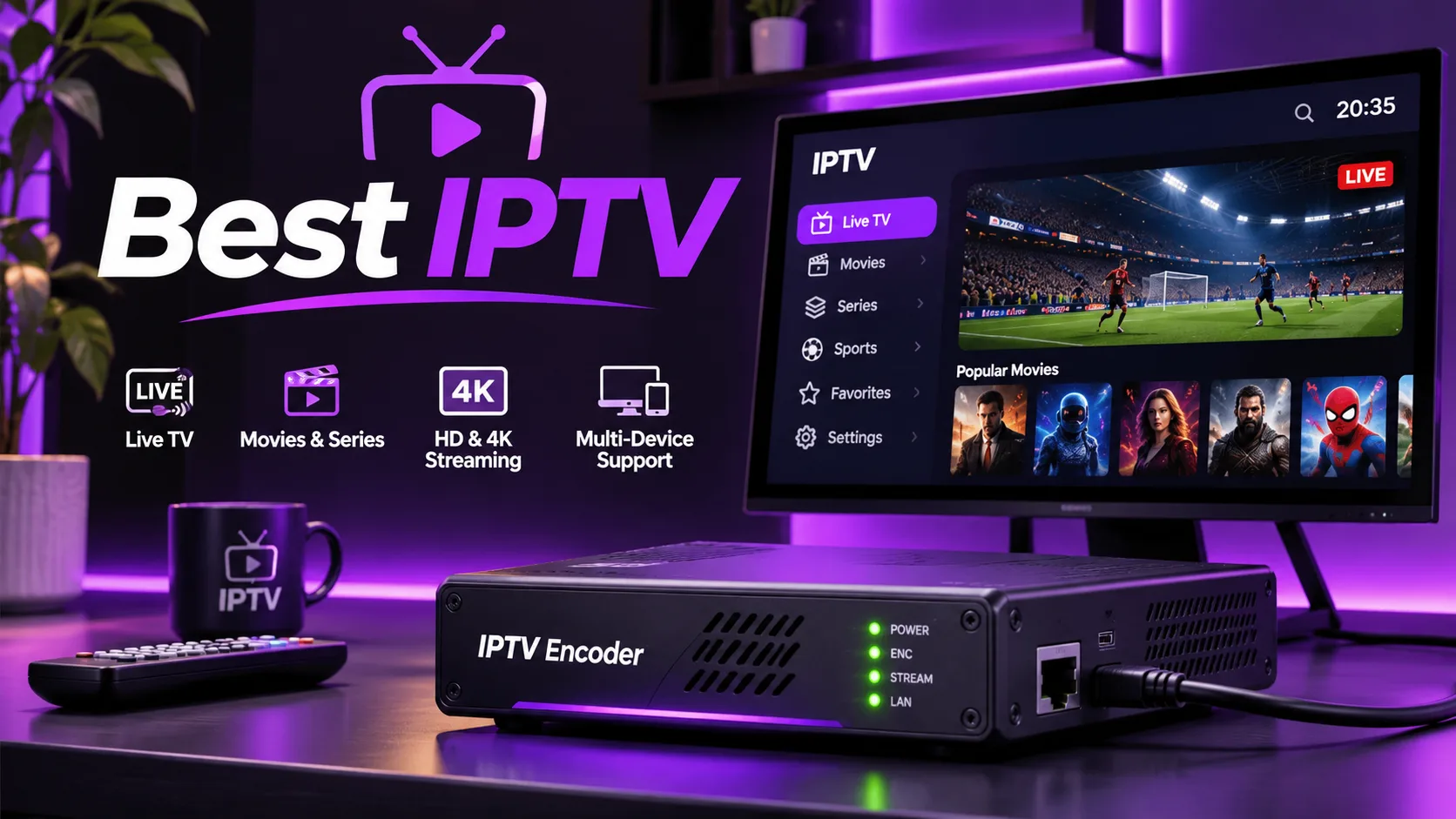
1. Give Your TV a Wired Connection
Wi-Fi is convenient, but an Ethernet cable is the single biggest upgrade for 4K streaming. If a cable is impossible, a mesh Wi-Fi system or powerline adapter is the next best option.
2. Check Your Real Speed
| Picture quality | Stable speed needed |
|---|---|
| HD / Full HD | About 10 Mbps |
| 4K | 25 Mbps or more |
| Two 4K screens at once | 50 Mbps or more |
3. Pick the Right Picture Mode
Turn off “vivid” or “dynamic” modes and choose “movie”, “cinema” or “filmmaker” mode on your TV. Disable motion smoothing for films; keep a moderate setting for fast sport if you prefer.
4. Choose a Capable Player Device
Older sticks can struggle with 4K. A recent Firestick 4K, an Android TV box or a modern Smart TV app gives smoother playback and faster channel changes on huluxtv.
5. Keep Your App Up to Date
Updates to IPTV Smarters, TiviMate and other players improve stability, the TV guide and codec support. Turn on automatic updates where possible.
6. Organise Favourites and the Guide
Add your everyday channels to favourites and refresh the EPG weekly so the guide stays accurate. It turns thousands of channels into a personal line-up.
7. Prepare for Big Events
- Restart your router and device an hour before kick-off
- Pause large downloads and game updates
- Close other streaming apps in the house if bandwidth is tight
8. Make Support Part of Your Setup
Save the huluxtv WhatsApp number. If a channel misbehaves or you change devices, a real person can help in minutes, day or night.
Frequently Asked Questions
Why does 4K look softer than expected?
Usually because the connection drops to a lower quality. A wired connection and a faster plan from your internet provider normally solve it.
Can I use huluxtv on a new TV later?
Yes. Install the app on the new device and log in; for Smart TV or MAG apps, send us the new MAC address.
Enjoy the Premium Experience
A few minutes of setup makes every huluxtv evening look better. New here? Request the free trial, compare the huluxtv plans and explore more tips on the huluxtv blog.